Affiliate disclosure: the Creative Fabrica links on this page are affiliate links. If you sign up or buy through them, MockupLab may earn a commission at no extra cost to you. Read our Affiliate Disclosure.
A poster mockup design is the photo or template that shows your artwork as a framed print on a real wall. For Etsy wall-art sellers it is often the first picture a buyer sees, so the scene, the frame ratio and the file format matter almost as much as the art itself.
Below are 12 commercial-use poster and frame mockups from Creative Fabrica. We opened every product page on 19 November 2026 and copied only what the page states: the seller, the file formats, the size and the license notes. If a detail is not on the page, we say so instead of guessing.
- Quick answer: which poster mockup to pick
- What to check before you buy a poster mockup
- 12 poster mockups on Creative Fabrica
- Room-scene mockups vs plain frames: which to use for wall-art listings
- Standard print sizes to match your files
- How to put your artwork on a poster mockup in 3 steps
- Commercial use: is it safe to sell with these mockups?
- FAQ
- Can I use these poster mockups for Etsy listings?
- Do I need Photoshop to use a poster mockup?
- What size should my artwork be?
- What is a poster mockup design?
Quick answer: which poster mockup to pick
If you only want a shortlist, start with these three. Each one solves a different problem:
- Most scenes in one download: the Poster Mockup Bundle Scandinavian Intro has 25 layered PSD scenes (living room, hallway, stairs, console, desk, sofa) at 5120×3584 px and 300 DPI, with A3 and 11×17 in templates.
- Standard print sizes: the DIN A Poster Mockup lists ISO sizes A1 to A5 in one PSD with a Smart Object, and the US Letter version covers 8.5×11 in. Both come with a JPG.
- A ready-made room with a 2:3 frame: the Vertical Frame PSD Poster Mockup gives you a PSD, a JPEG and a PNG at 4000×3000 px, and the seller writes “Commercial use allowed”.
What to check before you buy a poster mockup
A good-looking preview is not enough. Before you pick a poster mockup design for your shop, check these five things on the product page:
- Frame ratio. The ratio of the frame should match the files you sell. Some pages state it (2:3 and 3:4), others list paper sizes (A1 to A5, 8.5×11 in, A3 and 11×17 in).
- File format. Eleven of the 12 mockups below include a PSD. One, the Living Room Wall mockup, is a JPG only, so there is no smart object to double-click. The Poster Mockup #521 PSD is flattened, which the seller says means no objects are movable.
- Resolution. Pixel sizes are stated for seven of them (from 3000×2250 px up to 6000×4000 px). Five pages give none: the 4 Poster template, Poster Mockup #521 and the Editable Blank White mockup, plus the two Ali’s Design mockups, which give a 3:4 ratio and 300 DPI instead.
- Scene. Do you need a plain poster on a neutral background, a room scene, or a set of scenes? The cards below say what each preview shows.
- License. Every page we opened shows Creative Fabrica’s commercial license, and some sellers add their own notes. We quote those on each card.
12 poster mockups on Creative Fabrica
All 12 are available through the Creative Fabrica subscription. The product pages say they are only available as part of it, with no separate price per item. Each card links to the product page, where you can read the full description and license.
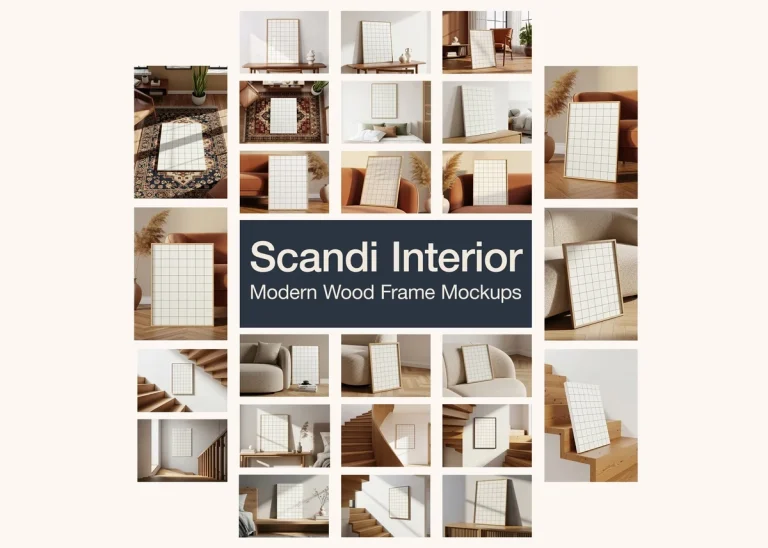
Poster Mockup Bundle Scandinavian Intro
- 25 PSD
- 5120×3584 px
- 300 DPI
- Commercial use
By PertoCo. Twenty-five layered Photoshop scenes (living room, hallway, stairs, console, desk, sofa) with A3 and 11×17 in poster templates. Delivered as a PDF with a download link. Seller note: free for personal projects and to promote items for sale in your online shop; reselling or distributing the original mockup files is strictly prohibited.
View on Creative Fabrica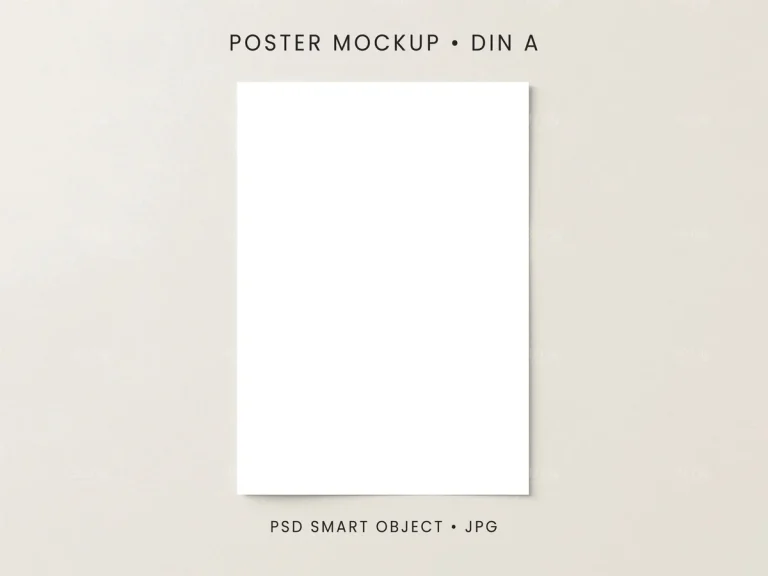
DIN A Poster Mockup PSD JPG
- PSD
- JPG
- 3000×2250 px
- 300 DPI
- Commercial use
By 312citymockups. One PSD with a Smart Object plus one JPG. The page lists ISO DIN sizes A1 to A5 and names Etsy product listings and print previews as uses. The page shows the Creative Fabrica commercial license.
View on Creative Fabrica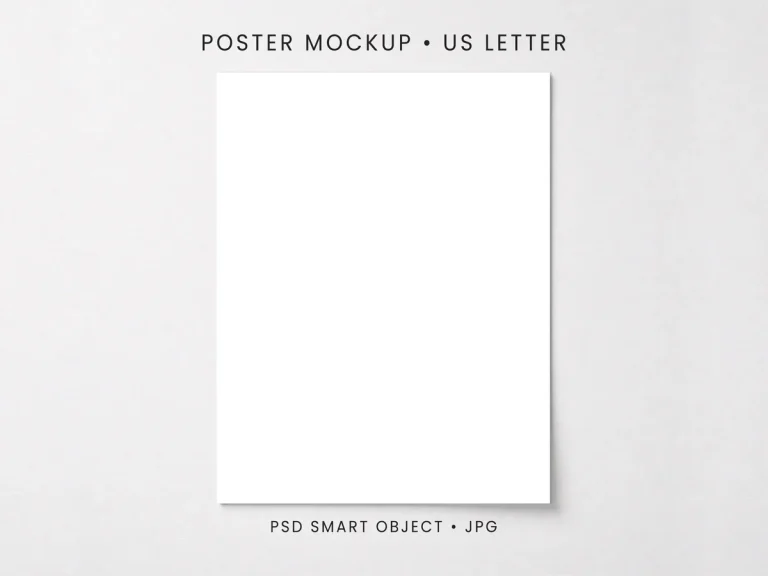
US Letter Poster Mockup PSD JPG
- PSD
- JPG
- 4800×3600 px
- 300 DPI
- Commercial use
By 312citymockups. One PSD with a Smart Object plus one JPG for 8.5×11 in vertical posters. The page names Etsy product listings and print previews as uses and shows the Creative Fabrica commercial license.
View on Creative Fabrica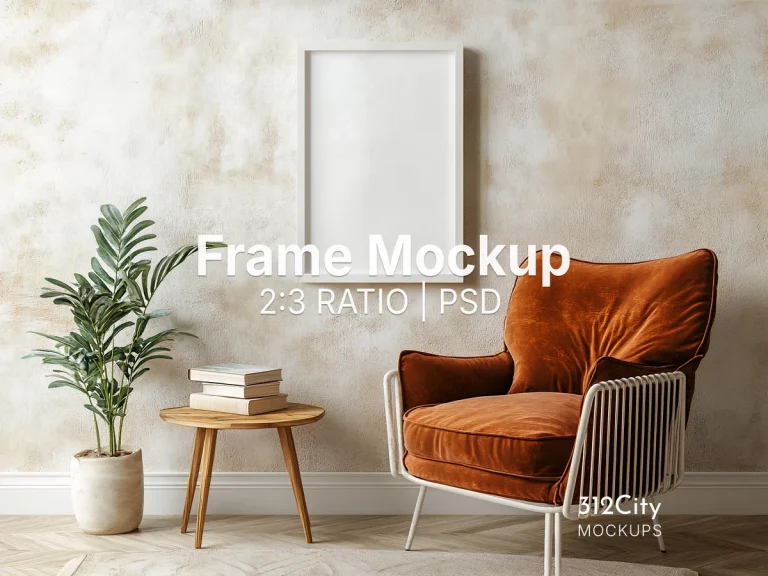
Vertical Frame PSD Poster Mockup 2:3
- PSD
- JPEG
- PNG
- 4000×3000 px
- 300 DPI
- Commercial use
By 312citymockups. A mid-century reading nook with a 2:3 wall frame. The files are a PSD with Smart Object, a JPEG and a PNG. Seller note: commercial use allowed.
View on Creative Fabrica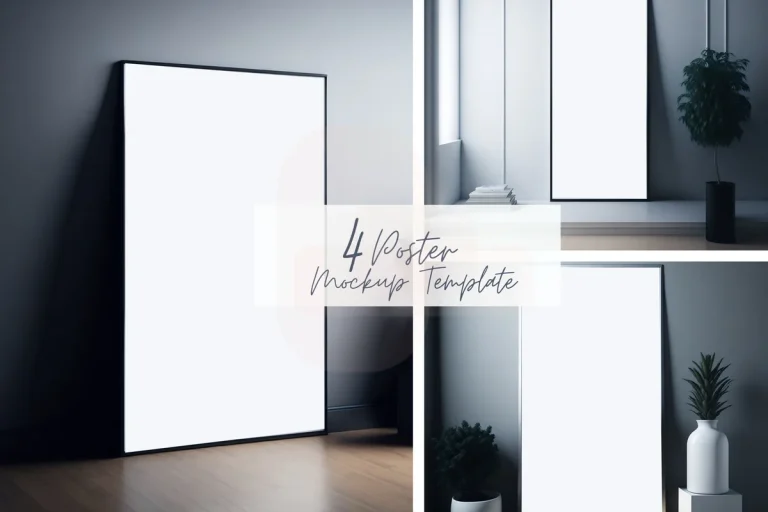
4 Poster Mockup PSD Template
- PSD
- JPG
- Smart Object
- Commercial use
By Rosy Studios. A PSD with a Smart Object plus a JPG. The page says lighting, shadows and reflections can be adjusted but gives no pixel size. The page shows the Creative Fabrica commercial license and no extra seller note.
View on Creative Fabrica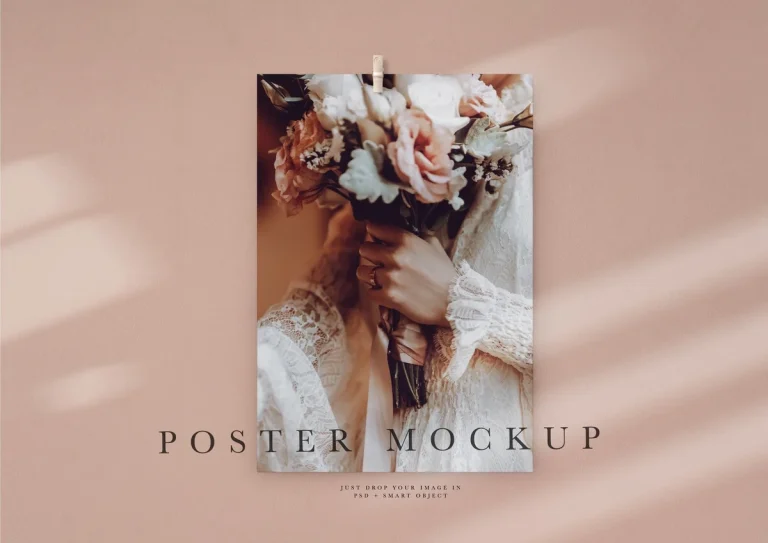
Poster Mockup #521
- PSD
- JPEG
- Smart Object
- Commercial use
By Kzara Visual. One PSD with a Smart Object and clipping mask (flattened, so no objects are movable) and one JPEG for Canva with an instruction guide. The seller says you need basic Photoshop knowledge, offers no refunds and takes no responsibility for printing errors.
View on Creative Fabrica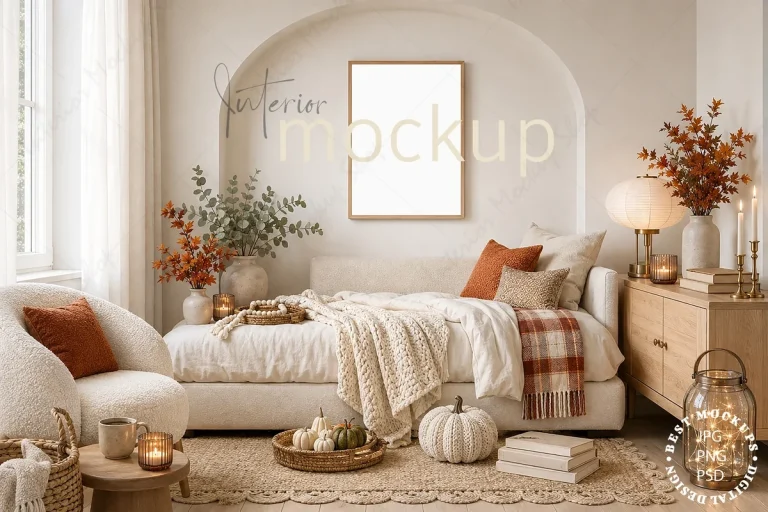
Frame Mockup Interior, Poster Mockup
- PSD
- PNG
- JPG
- 3600×2400 px
- Commercial use
By Mockups Shop. A cosy interior scene. Seller note: the frame is fixed and you can only scale your image to fit it.
View on Creative Fabrica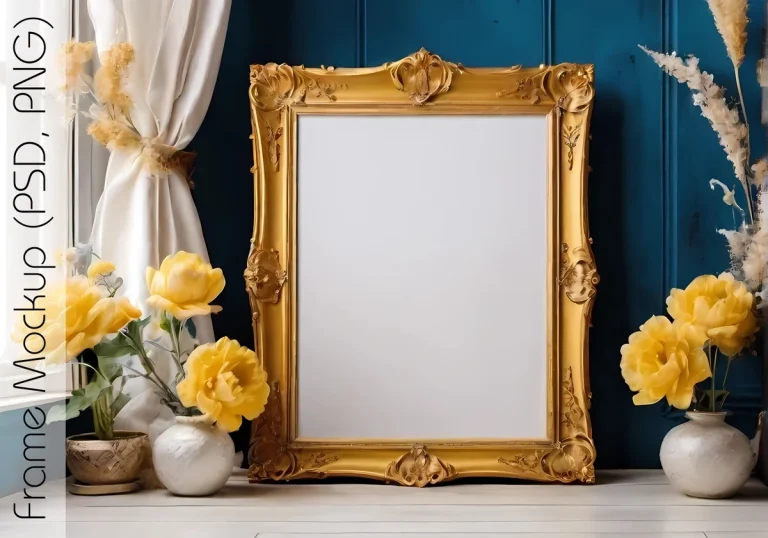
Modern Poster Mockup
- PSD
- PNG
- 3:4 ratio
- 300 DPI
- Commercial use
By Ali's Design. A 3:4 gold frame scene. Seller note: personal and commercial use to display your artwork and designs; artworks in the preview are for display only and not included.
View on Creative Fabrica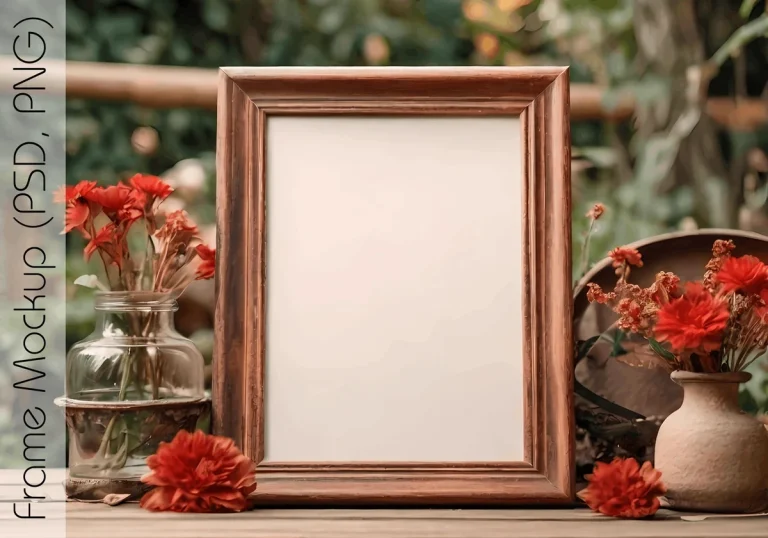
Bohemian Poster Mockup
- PSD
- PNG
- 3:4 ratio
- 300 DPI
- Commercial use
By Ali's Design. A 3:4 wooden frame with red flowers. Seller note: personal and commercial use to display your artwork and designs; artworks in the preview are for display only and not included.
View on Creative Fabrica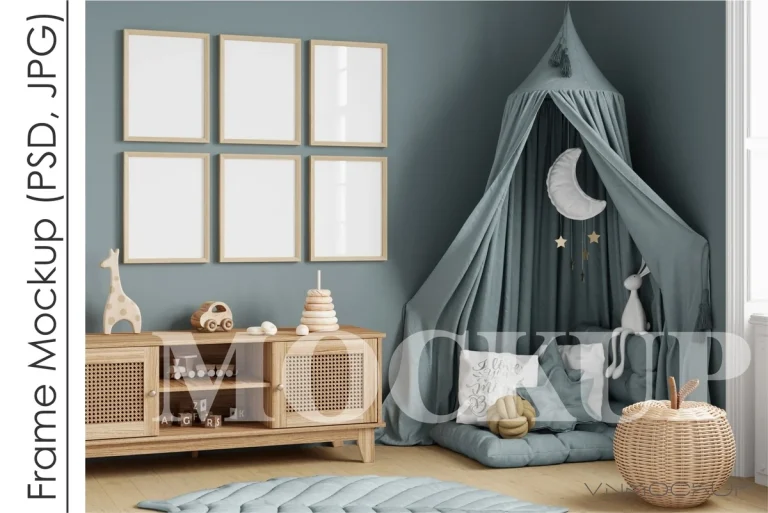
Nursery Frame Mockup, Poster Mockup
- PSD
- JPG
- 4000×3000 px
- Commercial use
By VNmockup. A modern kid's room with a grid of frames. One PSD with a Smart Object plus one JPG. The page shows the Creative Fabrica commercial license and no extra seller note.
View on Creative Fabrica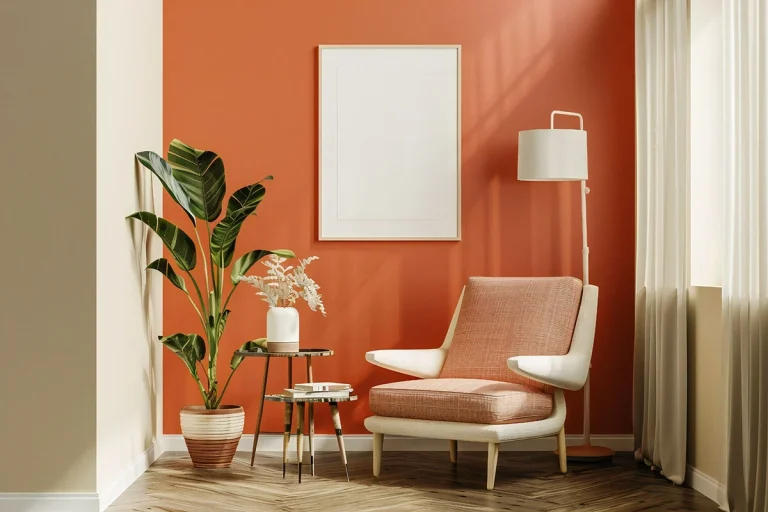
Poster Mockup Living Room Wall
- JPG only
- 6000×4000 px
- 300 DPI
- Commercial use
By VetalStock. This one is a JPG only (about 4 MB), with no PSD, so you place your artwork over the frame yourself. The page shows the Creative Fabrica commercial license.
View on Creative Fabrica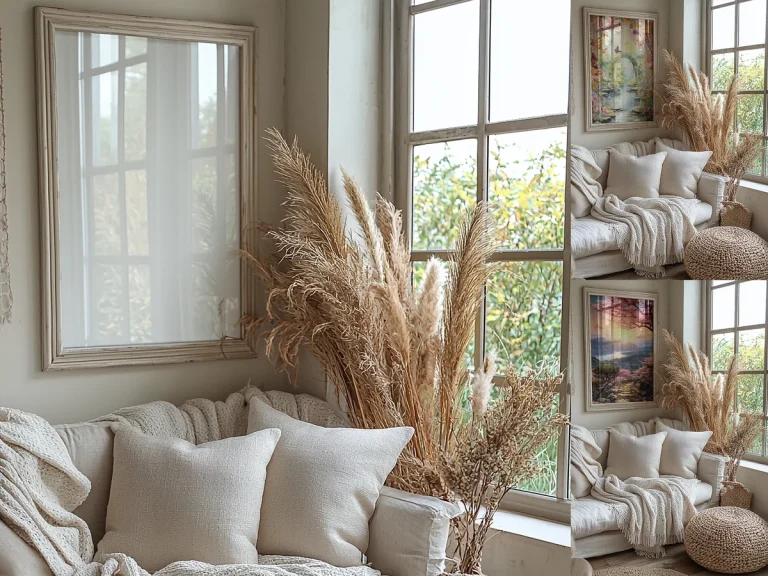
Editable Blank White Poster Mockup PSD
- PSD
- smart layers
- Commercial use
By MagicalBlueStudios. An editable PSD with smart layers in a minimal setting. The page gives no pixel size. The page shows the Creative Fabrica commercial license and no extra seller note.
View on Creative FabricaRoom-scene mockups vs plain frames: which to use for wall-art listings
We have no conversion data to compare them, so treat this as a practical guide, not a test result. Most wall-art listings use a mix:
- Plain poster on a neutral background. The DIN A and US Letter mockups show only a blank sheet, which keeps attention on the artwork and makes the paper size obvious.
- Room scenes. The Vertical Frame, Frame Mockup Interior, Living Room Wall, Nursery and Bohemian mockups show how a print looks at home, which helps buyers judge scale and mood.
- Sets of scenes. The Scandinavian bundle gives 25 interiors, so you can show the same print in a different room on each listing photo.
- Fixed frames. The Frame Mockup Interior seller notes that the frame is fixed and you can only scale your image to fit it, so check that your art ratio matches before you buy.
Standard print sizes to match your files
Match your artwork to the frame ratio in the mockup, or your print will be cropped or show a border. These are the usual standard sizes, with the mockups that name them:
- A-series (ISO): A5 148×210 mm, A4 210×297 mm, A3 297×420 mm, A2 420×594 mm, A1 594×841 mm. The DIN A mockup lists A1 to A5 and the Scandinavian bundle includes A3.
- US sizes: Letter 8.5×11 in and 11×17 in. The US Letter mockup covers 8.5×11 in, and the Scandinavian bundle includes 11×17 in.
- 2:3 ratio: for example 4×6, 8×12, 12×18, 16×24 and 20×30 in. The Vertical Frame mockup is 2:3.
- 3:4 ratio: for example 6×8, 9×12, 12×16 and 18×24 in. The two Ali’s Design mockups (Modern and Bohemian) are 3:4.
The pixel size on a product page describes the mockup image, not your print file. Export your print files at the sizes you sell, and use the mockup only for the listing photos.
How to put your artwork on a poster mockup in 3 steps
- Open the mockup. For a PSD, open it in Photoshop (the Scandinavian bundle page says you need Adobe Photoshop, and the Poster Mockup #521 seller says you must have basic Photoshop knowledge). For the JPG-only Living Room Wall mockup, open the photo in any editor that lets you place one image on top of another. Poster Mockup #521 also includes a JPEG for Canva with an instruction guide.
- Place your design. In a PSD with a Smart Object, double-click the Smart Object layer, place your artwork in the window that opens, resize it to fit, then save and close it (Ctrl/Cmd+S). The design appears in the frame in the main file. Use a design that matches the frame ratio.
- Export and list it. Save the result as a JPG or PNG and add it to your Etsy listing. Keep your original artwork file separate from the finished listing image.
Commercial use: is it safe to sell with these mockups?
Every product page we opened shows “Every download & purchase includes our commercial license” and links to Creative Fabrica’s license terms. The subscription banner on each page also says “Personal, Commercial and POD use of files included”. In practice, that covers using the mockup to make listing photos for your own products. The sellers then add their own notes, and those differ:
- The Scandinavian bundle seller allows personal projects and promoting items you sell in your online shop, and says reselling or distributing the original mockup files is strictly prohibited.
- The two Ali’s Design mockups say personal and commercial use is allowed to display your artwork and designs. The Vertical Frame seller writes “Commercial use allowed”.
- The Frame Mockup Interior seller says the frame is fixed. The Poster Mockup #521 seller says there are no refunds and that they take no responsibility for printing errors. Those are purchase terms, not license limits, but read them.
- Several pages, such as the 4 Poster, Nursery and Editable Blank White mockups, show only the Creative Fabrica license and no extra seller note. The DIN A and US Letter sellers name Etsy product listings and print previews as uses.
A quick checklist before you list:
- Commercial use is included on the product page.
- The page allows POD or print-on-demand use, or your use fits the seller note.
- You will not resell or share the mockup file itself.
- You have read the seller’s note, if there is one.
Licenses can change, so confirm on the product page before you publish. This is not legal advice.
Mockup license FAQ
Can I use these mockups for products I sell?
It depends on the license of each individual product. Always read the license on the Creative Fabrica product page before you use a mockup in a listing. We link every mockup so you can check.
What does the “Commercial use” badge mean?
It marks mockups that, at the time we checked, were listed with a commercial-use license. Licenses can change, so confirm on the product page before you publish.
Can I resell or redistribute the mockup file itself?
Generally no. Commercial licenses usually cover using the mockup in your own images, not reselling the source file. Check the license terms of the specific product.
Do I need to credit the creator?
Check the product license; requirements differ between creators.
Are these affiliate links?
Yes. If you buy or subscribe through our links we may earn a commission at no extra cost to you. See our Affiliate Disclosure.
FAQ
Can I use these poster mockups for Etsy listings?
Every page we opened shows Creative Fabrica’s commercial license, and the subscription banner says “Personal, Commercial and POD use of files included”. The DIN A and US Letter sellers also name Etsy product listings as a use. Read the seller note on each card and on the product page before you list.
Do I need Photoshop to use a poster mockup?
For most of them, yes. Eleven of the 12 include a PSD, and the Scandinavian bundle and Poster Mockup #521 pages say you need Photoshop or Photoshop knowledge. The Living Room Wall mockup is a JPG only, so any editor that can place an image on top of another will work, but you will not get a smart object.
What size should my artwork be?
Match the frame ratio in the mockup first. The pages state image sizes of 3000×2250 px (DIN A), 4800×3600 px (US Letter), 4000×3000 px (Vertical Frame and Nursery), 3600×2400 px (Frame Mockup Interior), 5120×3584 px (Scandinavian bundle) and 6000×4000 px (Living Room Wall). Those are the mockup image sizes, not print sizes. Export your artwork at the print sizes you sell.
What is a poster mockup design?
A poster mockup design is a photo or template of a blank poster or frame that you use to show how your artwork will look on a wall. Sellers use it for listing photos before a single print is ordered.