Affiliate disclosure: the Creative Fabrica links on this page are affiliate links. If you sign up or buy through them, MockupLab may earn a commission at no extra cost to you. Read our Affiliate Disclosure.
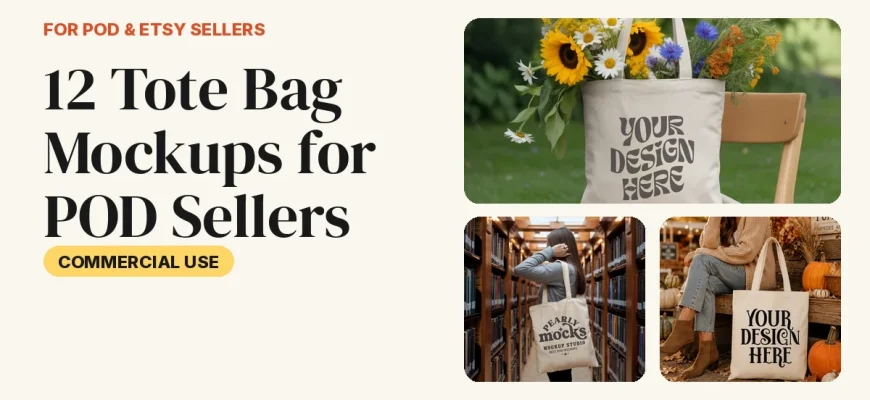
A tote bag mockup is the photo that shows your artwork on a canvas bag before you list it. Totes are one of the simplest print-on-demand products to add to a shop, and a bag in a real scene shows buyers the size, the fabric and where the print sits.
Below are 12 commercial-use tote bag mockups from Creative Fabrica. We opened every product page on 19 November 2026 and copied only what the page states: the seller, the file format, the size and the license notes. If a detail is not on the page, we say so instead of guessing.
- Quick answer: which tote bag mockup to pick
- What to check before you buy a tote bag mockup
- 12 tote bag mockups on Creative Fabrica
- On a model, flat lay or styled scene: which to use
- Bundles or single mockups?
- How to put your artwork on a tote bag mockup in 3 steps
- Commercial use: is it safe to sell with these mockups?
- More mockup guides
- FAQ
- Can I use these tote bag mockups for Etsy and POD listings?
- Do I need Photoshop to use a tote bag mockup?
- What size should my artwork be?
- What is a tote bag mockup?
Quick answer: which tote bag mockup to pick
If you only want a shortlist, start with these three:
- The most shots in one download: the Christmas Tote Bag Mockup Bundle has 128 JPG scenes and the Boho Tote Bag Mockup Bundle has 66 JPEG shots, both at 300 DPI.
- The only layered file: Canvas Tote Bag Mockup #16 is a PSD at 4500×3000 px with smart objects and separate colours for the bag, handle and bottom.
- The largest stated photo size: the two Styled Stock JPEGs, the Canvas Tote Bag Mockup with sunflowers and the Natural Canvas Tote Bag Mockup 8, are 5000×3750 px at 300 DPI.
What to check before you buy a tote bag mockup
A good-looking preview is not enough. Before you pick a tote mockup for your shop, check these five things on the product page:
- File format. Eleven of the 12 are JPG or JPEG photos and one is a layered PSD. A photo has no layers, so you place your design on top in an editor. If you want smart objects and colour changes, the PSD is the one to open first.
- Scene. The totes below are shown on models, in flat lays, on chairs and in seasonal scenes. Match the scene to how you sell: a plain background for a clean shop, a seasonal scene for holiday designs.
- Bag colour. Most bags are natural or cream canvas, which suits dark artwork. If you also sell coloured totes, look at the red bag in the Design Tribe flat lay and the red and black bags in the Christmas bundle.
- Size. Pixel sizes are stated for only some: 5000×3750 px for the two Styled Stock JPEGs and 4500×3000 px for the PSD. The other pages state 300 DPI but no pixel size.
- License. Every page we checked shows Creative Fabrica’s commercial license, but some sellers add their own notes. We quote those on each card.
12 tote bag mockups on Creative Fabrica
All 12 are available through the Creative Fabrica subscription. The product pages say they are only available as part of it, with no separate price per item. Each card links to the product page, where you can read the full description and license.
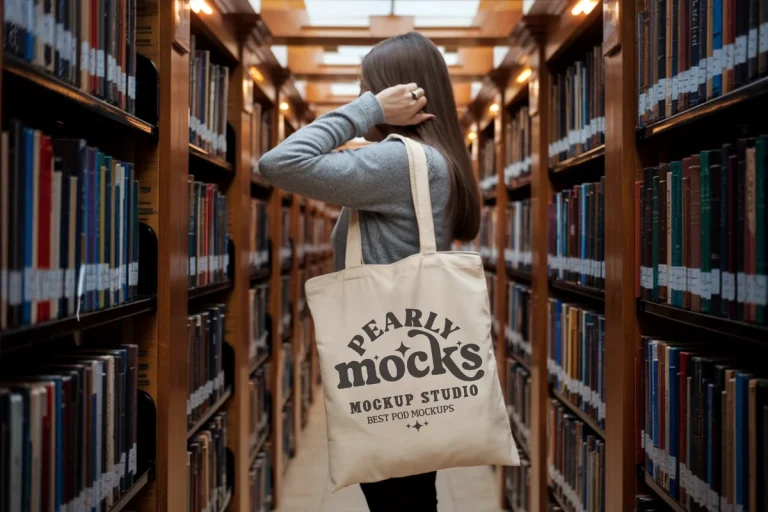
Tote Bag Mockup, Canvas Tote Bag Mockup
- JPG
- 300 DPI
- Commercial use
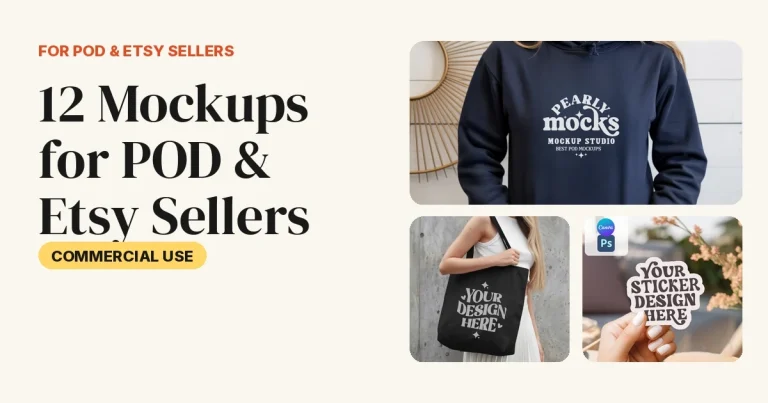
By Pearly Creative Arts. One JPG; the page says it works with Canva, Photoshop and other editors. The page shows the Creative Fabrica commercial license and no extra seller note.
View on Creative Fabrica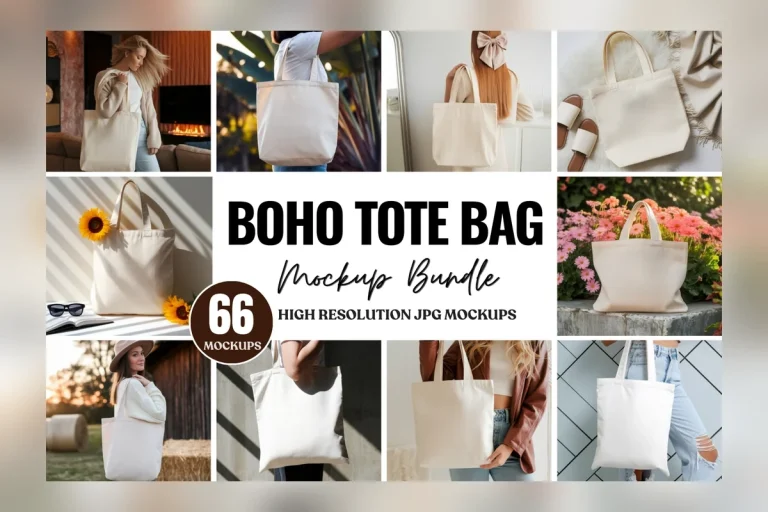
Boho Tote Bag Mockup Bundle
- 66 JPEG
- 300 DPI
- Commercial use
By Ink & Whimsy. A bundle of 66 JPEG tote bag shots, clean with no text, tags or watermarks. The page shows the Creative Fabrica commercial license and no extra seller note.
View on Creative Fabrica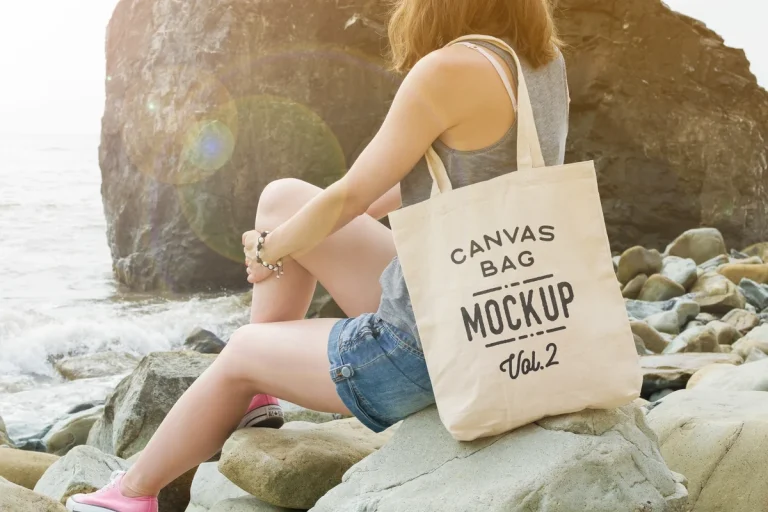
Canvas Tote Bag Mockup #16
- PSD
- 4500×3000 px
- Commercial use
By BULBFISH. The only layered tote here: a PSD with smart objects, separate colours for bag, handle and bottom, and an optional sunny-day lighting effect. Needs Photoshop; a PDF help file is included. The page shows the Creative Fabrica commercial license and no extra seller note.
View on Creative Fabrica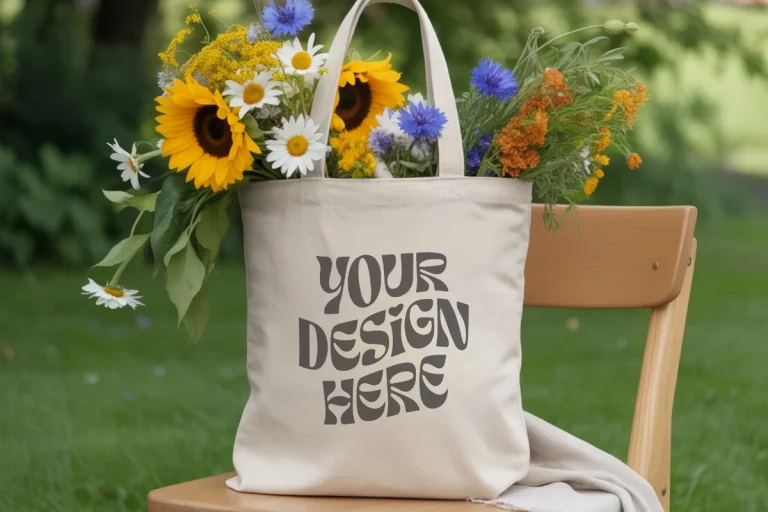
Canvas Tote Bag Mockup
- JPEG
- 5000×3750 px
- 300 DPI
- Commercial use
By Styled Stock. A lifestyle JPEG with real fabric wrinkles and shadows. Seller note: great for Etsy, Creative Fabrica and POD shops; for commercial and personal design showcasing, not for resale or distribution as-is.
View on Creative Fabrica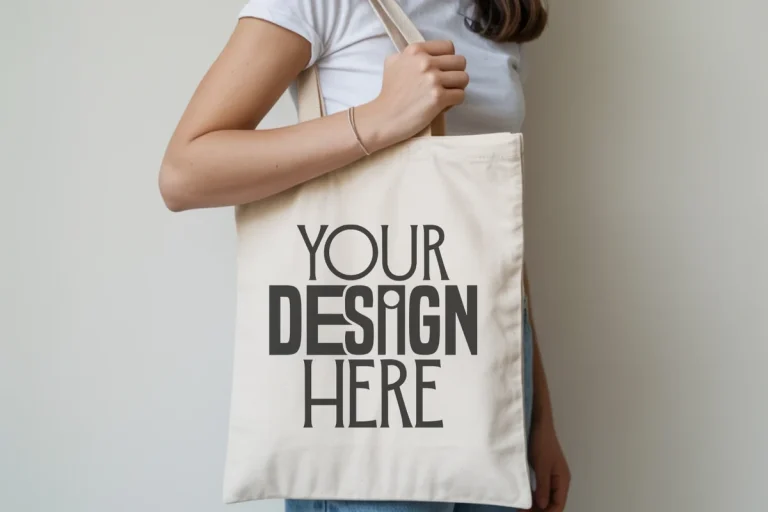
Model Tote Bag Mockup
- JPEG
- 300 DPI
- Commercial use
By LoomCraft. A clean, minimal model shot with no text, tags or watermarks. Seller terms: personal and commercial use allowed; no reselling, sharing or redistributing the file, and no claiming it as your own or reselling an edited version.
View on Creative Fabrica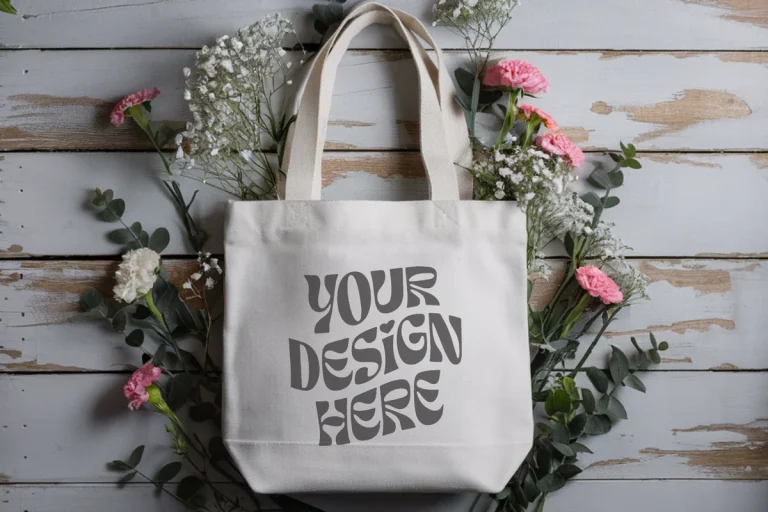
Natural Canvas Tote Bag Mockup 8
- JPEG
- 5000×3750 px
- 300 DPI
- Commercial use
By Styled Stock. A styled flat-lay JPEG with natural light. Seller note: great for Etsy, Creative Fabrica and POD shops; for commercial and personal design showcasing, not for resale or distribution as-is.
View on Creative Fabrica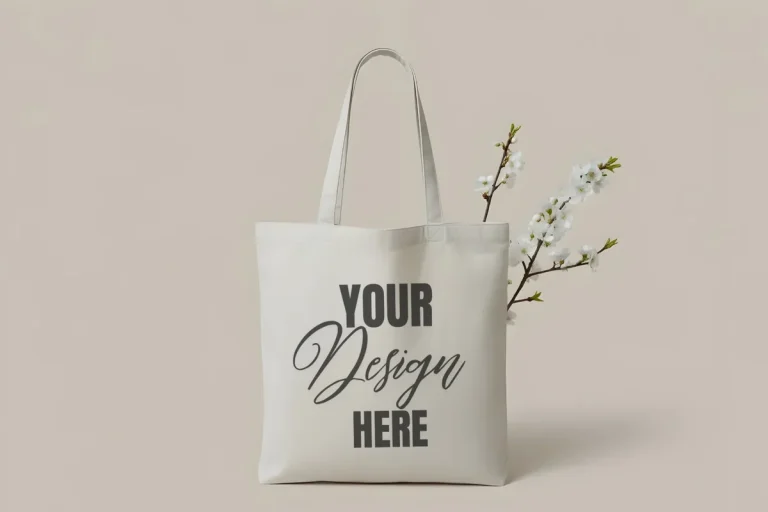
Modern Tote Bag Mockup
- JPG
- 300 DPI
- Commercial use
By Design Tribe. One JPG with no watermarks; open it in any editor that supports layers. The page shows the Creative Fabrica commercial license and no extra seller note.
View on Creative Fabrica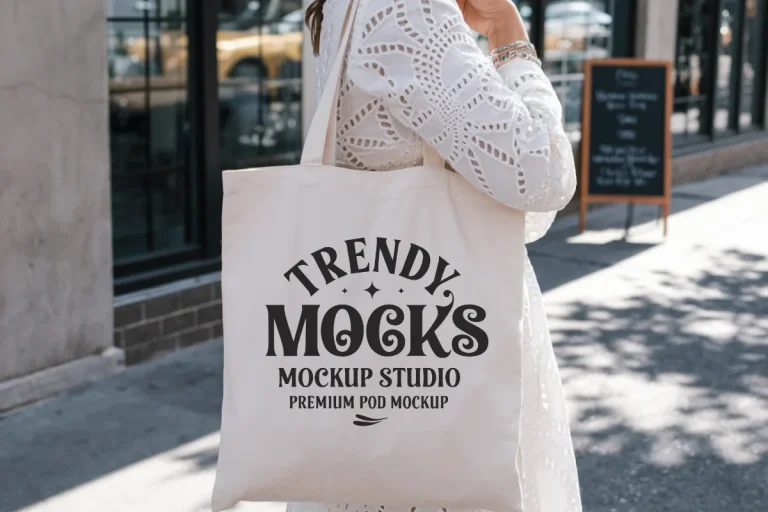
Canvas Tote Bag Mockup 4
- JPEG
- 300 DPI
- Commercial use
By Ink & Whimsy. A street-style model shot with no text, tags or watermarks. The page shows the Creative Fabrica commercial license and no extra seller note.
View on Creative Fabrica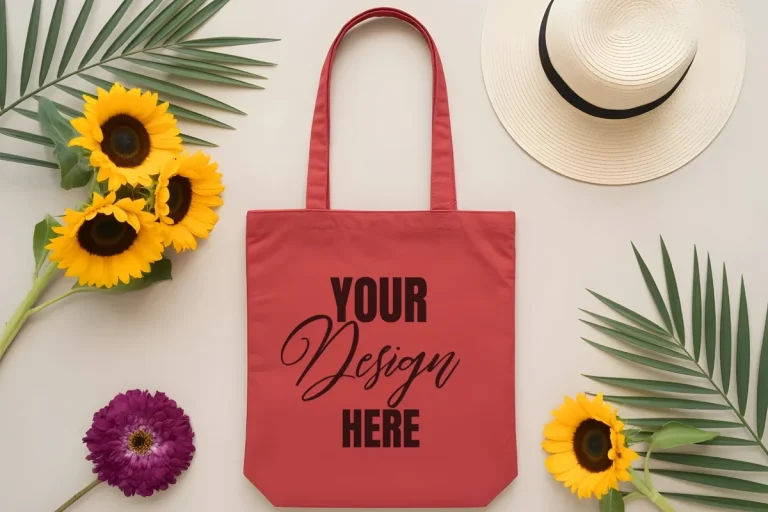
Canvas Tote Bag Mockup
- JPG
- 300 DPI
- Commercial use
By Design Tribe. A red tote in a summer flat lay, so you can test designs on a coloured bag. One JPG. The page shows the Creative Fabrica commercial license and no extra seller note.
View on Creative Fabrica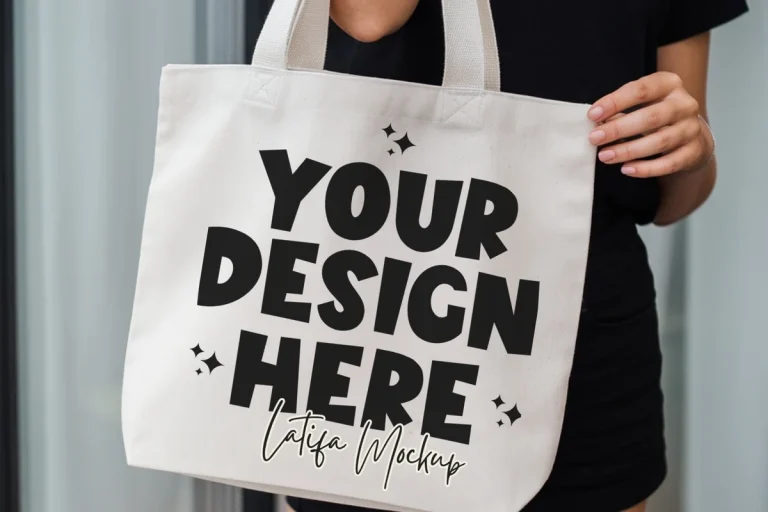
Tote Bag Mockup, Canvas Tote Bag Jpg
- JPG
- 300 DPI
- Commercial use
By Printive Craft. One close-up JPG; the page says it works with Canva, Photoshop and Photopea. The page shows the Creative Fabrica commercial license and no extra seller note.
View on Creative Fabrica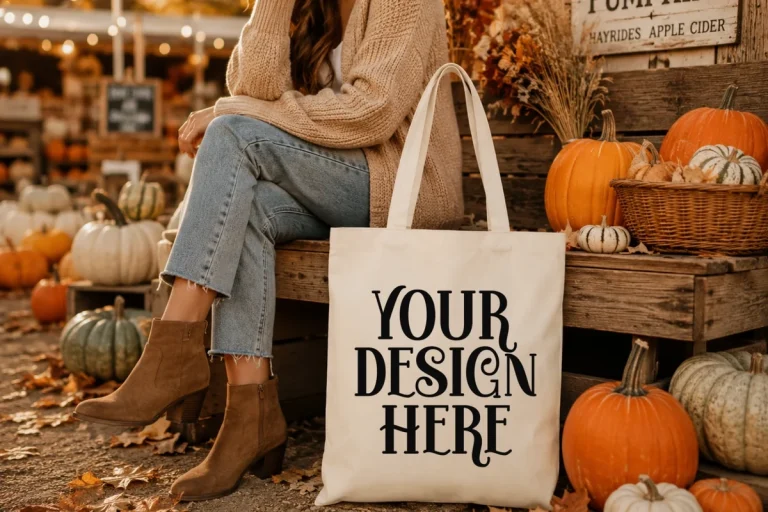
Autumn Tote Bag Mockup
- JPEG
- 300 DPI
- Commercial use
By Real POD Mockups. A seasonal pumpkin-market scene for autumn designs. The page shows the Creative Fabrica commercial license and no extra seller note.
View on Creative Fabrica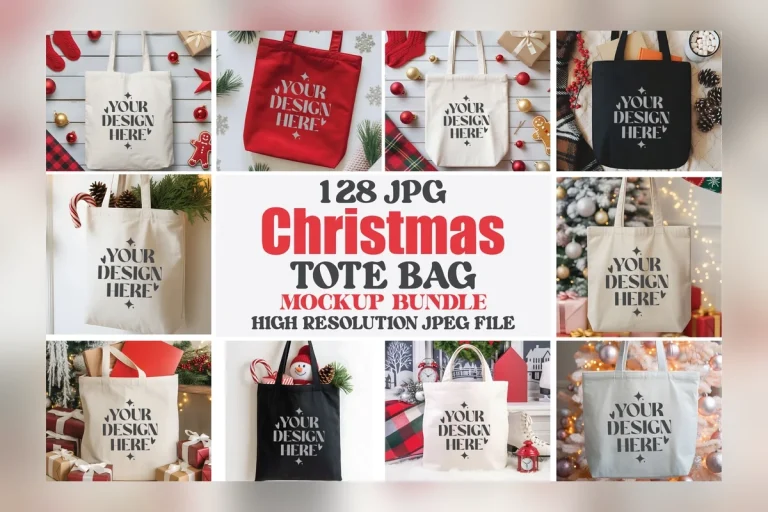
Christmas Tote Bag Mockup Bundle
- 128 JPG
- 300 DPI
- Commercial use
By MocksStudio. A bundle of 128 JPG tote bag shots in holiday scenes. The page shows the Creative Fabrica commercial license and no extra seller note.
View on Creative FabricaOn a model, flat lay or styled scene: which to use
The same bag can look very different depending on the scene. A quick guide to what is in this list:
- On a model. The Pearly Creative Arts library shot, the LoomCraft Model Tote, the Ink & Whimsy street shot, the close-up Tote Bag Mockup, Canvas Tote Bag Jpg and the seaside PSD all show a bag being carried or held.
- Styled and on furniture. The sunflower bag on a chair, the pink-flower table scene and the Design Tribe Modern Tote Bag on a beige wall give a calm, product-page look.
- Flat lay. The Design Tribe Canvas Tote Bag Mockup shows a red bag with sunflowers, a straw hat and palm leaves.
- Seasonal. The Autumn Tote Bag Mockup puts a bag among pumpkins, and the Christmas bundle covers holiday scenes.
Bundles or single mockups?
Bundles save time when you want a full gallery for one design. The 66-shot Boho bundle and the 128-shot Christmas bundle give you plenty of scenes to choose from. A single mockup is easier to check before you commit: you can see the exact bag, light and angle. For a brand-new shop, one or two good singles often cover the main listing photos, and a bundle helps once you add seasonal designs.
How to put your artwork on a tote bag mockup in 3 steps
- Open the mockup. For the PSD, open it in Photoshop and double-click the smart object layer. For a JPG or JPEG, open the photo in Canva, Photoshop or any editor that lets you place one image on top of another. Two of the pages say their file works with Canva and Photoshop, and one of them also names Photopea.
- Place your design. Use a PNG with a transparent background. Scale it to the printable area of the bag and match its tilt. Some previews show “Your design here” or other sample text, so check your download to see what the file contains.
- Export and list it. Save the result as a JPG or PNG and add it to your Etsy, Shopify or POD listing. Keep your original artwork file separate from the finished listing image.
Commercial use: is it safe to sell with these mockups?
Every product page we opened shows “Including commercial license” and links to Creative Fabrica’s license terms. The subscription banner on each page also says “Personal, Commercial and POD use of files included”. In practice, that covers using the mockup to make listing photos for your own products. A few sellers add their own notes:
- The two Styled Stock JPEGs (Canvas Tote Bag Mockup and Natural Canvas Tote Bag Mockup 8) say: great for Etsy, Creative Fabrica and POD shops, for commercial and personal design showcasing, not for resale or distribution as-is.
- The LoomCraft Model Tote Bag Mockup allows personal and commercial use, but not reselling, sharing or redistributing the file, and not claiming it as your own or reselling an edited version.
- The other nine show only the Creative Fabrica license and no extra seller note.
A quick checklist before you list:
- Commercial use is included on the product page.
- The page allows POD or print-on-demand use, or your use fits the seller note.
- You will not resell or share the mockup file itself.
- You have read the seller’s note, if there is one.
Licenses can change, so confirm on the product page before you publish. This is not legal advice.
Mockup license FAQ
Can I use these mockups for products I sell?
It depends on the license of each individual product. Always read the license on the Creative Fabrica product page before you use a mockup in a listing. We link every mockup so you can check.
What does the “Commercial use” badge mean?
It marks mockups that, at the time we checked, were listed with a commercial-use license. Licenses can change, so confirm on the product page before you publish.
Can I resell or redistribute the mockup file itself?
Generally no. Commercial licenses usually cover using the mockup in your own images, not reselling the source file. Check the license terms of the specific product.
Do I need to credit the creator?
Check the product license; requirements differ between creators.
Are these affiliate links?
Yes. If you buy or subscribe through our links we may earn a commission at no extra cost to you. See our Affiliate Disclosure.
More mockup guides
Selling other products? These guides use the same checks:
- Mockup Design: 12 Best Mockups for POD and Etsy Sellers
- 12 T-Shirt Mockups for POD Sellers
- Cap Mockups: 12 Hat & Beanie Mockups
- 12 Poster Mockups for Etsy Wall-Art Listings
- All clothing and accessory guides in the Apparel Mockups hub
FAQ
Can I use these tote bag mockups for Etsy and POD listings?
Every page we opened shows Creative Fabrica’s commercial license and the line “Personal, Commercial and POD use of files included”. The Styled Stock sellers also write “Great for Etsy, Creative Fabrica & POD shops”. Read the seller note on each card and on the product page before you list.
Do I need Photoshop to use a tote bag mockup?
Only for the one PSD (Canvas Tote Bag Mockup #16, which the page says needs Adobe Photoshop). The other 11 are JPG or JPEG photos, so any editor that can place your artwork on top of an image will work.
What size should my artwork be?
The pages do not give a print-area size in pixels. They state the image size for three mockups (5000×3750 px twice and 4500×3000 px once) and 300 DPI for most. As a rule, use a design at least as large as the area it covers on the bag, and keep a transparent PNG as your master file.
What is a tote bag mockup?
A tote bag mockup is a photo or template of a blank tote bag that you use to show how your design will look when printed. Sellers use it for listing photos before a single bag is made.